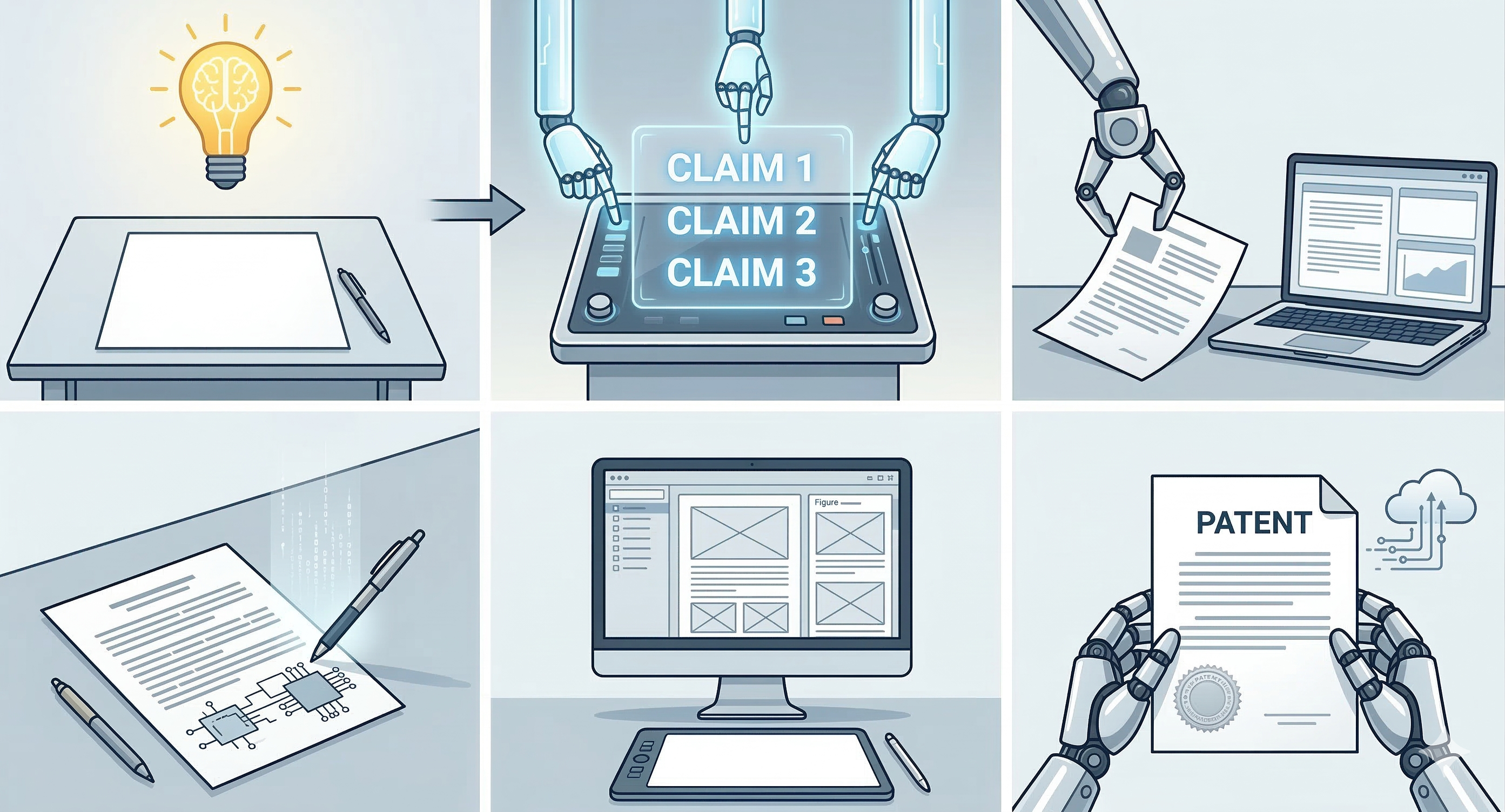
AI patent drafting is not “press a button, get a perfect filing.” A good AI-assisted patent drafting workflow turns your invention disclosure into a structured first draft: patent claim drafting, specification drafting, and figures, with fewer contradictions and less rewrite time.
This guide explains how automated patent writing really works, what general-purpose LLM tools often get wrong, and how to use AI safely so your draft stays accurate and reviewable.
Key Takeaways
- AI patent drafting helps generate a structured first draft (claims, spec sections, figures) from your invention disclosure.
- The best tools reduce errors using structured invention inputs, terminology controls, and consistency checks.
- AI is strongest for speed and structure, but human review is still required before filing.
- If your tool only produces fluent paragraphs, it is not enough for claim-level drafting.
1. What “AI patent drafting” actually means
When people say AI patent drafting, they usually mean a tool that helps with:
- Patent claim drafting (independent and dependent claims)
- Specification drafting (background, summary, detailed description)
- Patent drawings and figure labeling (reference numerals and callouts)
- Export-ready outputs for attorney review or internal review
The goal is a stronger first draft that is consistent and easier to refine. It is not legal advice, not a patentability opinion, and not a substitute for counsel.
2. Why patent drafting is hard for general-purpose LLMs
Patents require more than good writing. They require structure:
- Consistent terminology across claims, specification, and figures
- Defined elements and relationships (antecedent basis and dependencies)
- Support mapping (claims must be supported by the written description)
- Scope choices that survive scrutiny and prior art
Common failure patterns
Term drift (controller → processor → engine), inconsistent claim elements, missing written-description support, and contradictions between claims and the detailed description.
General-purpose LLMs optimize for plausible text. Patent drafting needs structured reasoning and constraint adherence.
3. The core technologies behind automated patent writing
A) LLMs (GPT-style models)
Large language models generate draft language quickly, including claim-like phrasing. They still need guardrails to prevent invention of details and terminology drift.
B) NLP (extracting invention structure)
NLP helps turn messy notes into structured elements: components, steps, relationships, definitions, and alternatives that matter for claim drafting.
C) RAG (retrieval-augmented generation)
RAG grounds drafting in relevant inputs instead of free-association. It helps reduce hallucination risk and improves consistency in a patent application draft.
D) Knowledge graphs and ontologies
A knowledge graph represents your invention as nodes and relationships. This can make claim generation more reliable and improve alignment across specification drafting and figures.
4. The AI drafting workflow step-by-step (what good tools do)
Step 1: Capture your invention disclosure
Strong disclosures usually include:
- Problem and technical advantage
- Key components or method steps
- Relationships and data flow
- 3 to 5 alternatives (fallback positions)
- Definitions for key terms
- Known test results (only if real)
Step 2: Lock terminology (prevent drift)
Good tools build a consistent vocabulary early so claim terms remain stable across the claims, specification drafting, and figure labeling.
Step 3: Draft claims first
Many workflows draft independent claims (broad structure) and dependent claims (variations) before generating the specification.
Step 4: Generate specification drafting sections
This typically includes background, summary, and a detailed description aligned to claim terminology and figure references.
Step 5: Add patent drawings and figure labeling
Useful outputs include block diagrams, workflow figures, reference numerals, and consistent callouts aligned with the draft text.
Step 6: Verification checks and export
Good workflows check for:
- Undefined terms
- Inconsistent naming
- Claim elements lacking specification support
- Mismatched figure references
5. Benefits and limitations (realistic expectations)
Benefits
- Faster first draft turnaround
- Cleaner structure across claims and specification drafting
- Easier handoff for attorney review
- More scalable invention intake for teams
Limitations
- Weak inputs can produce weak drafts
- Patentability is not guaranteed
- Legal strategy and filing decisions still require professional review
- Accuracy checks are essential to avoid invented details
6. A practical checklist before you trust the draft
Review in this order:
- Factual accuracy (no invented components or results)
- Terminology (one term per element, consistent everywhere)
- Support mapping (every claim element appears in the spec)
- Dependencies (dependent claims depend correctly)
- Figures (labels and references match the description)
Tip: If you see a specific metric or performance claim that you did not provide, pause. That is a red flag in AI-generated patent claims.
If you are an in-house team or patent group and want to see how this fits your workflow, you can also book a demo here.
7. Next steps
If you want to go deeper, these pages explain the workflow pieces in more detail: